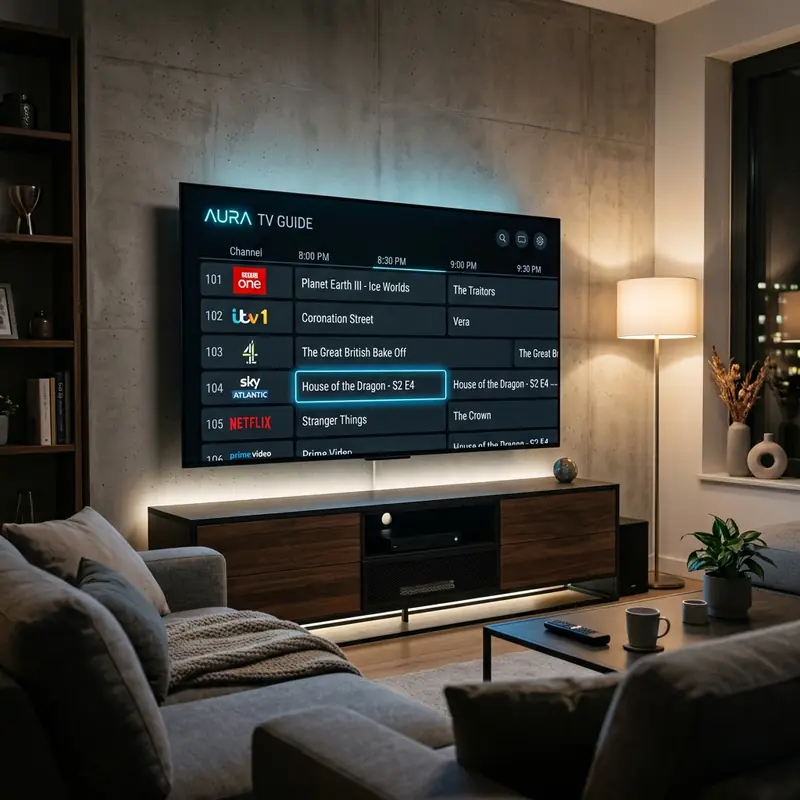
To fix a blank or missing IPTV EPG (Electronic Program Guide), you need to force an EPG update within your app settings (like TiviMate or IPTV Smarters Pro). If updating the guide manually fails, the issue is likely due to an expired EPG source link from your provider, which requires you to request a new M3U or Xtream Codes URL from them.
On Reddit, a broken TV guide is the second most common IPTV problem after buffering. Here is the step-by-step breakdown on how to restore your EPG data instantly.
1. Force Update Your Player Cache
Most players cache the EPG data to save memory. Sometimes this cache gets corrupted.
- IPTV Smarters Pro: Click the "Update EPG" circle on the main dashboard, or go to Settings > General Settings > EPG Timeline > Update.
- TiviMate: Go to Settings > EPG > Update EPG. If that fails, go to Settings > EPG > Clear EPG, then update it again.
2. Change the EPG Time Shift
If your guide is populated but the shows are listed at the wrong times, you have a timezone mismatch.
Go to your player's EPG settings and adjust the "Time Shift" by +1 or -1 hour until the schedule aligns with your local Irish time.
3. Switch to a Premium Provider
Cheap providers often scrape public EPG URLs that get taken down by copyright bots frequently. This leaves you with a "No Information" screen permanently.
Get a Flawless TV Guide
DublinCasts uses a perfectly synced, proprietary EPG system covering all UI/UK and US channels. Never see a "No Information" block again.
View Our Plans