4. How to Setup Hot IPTV Player
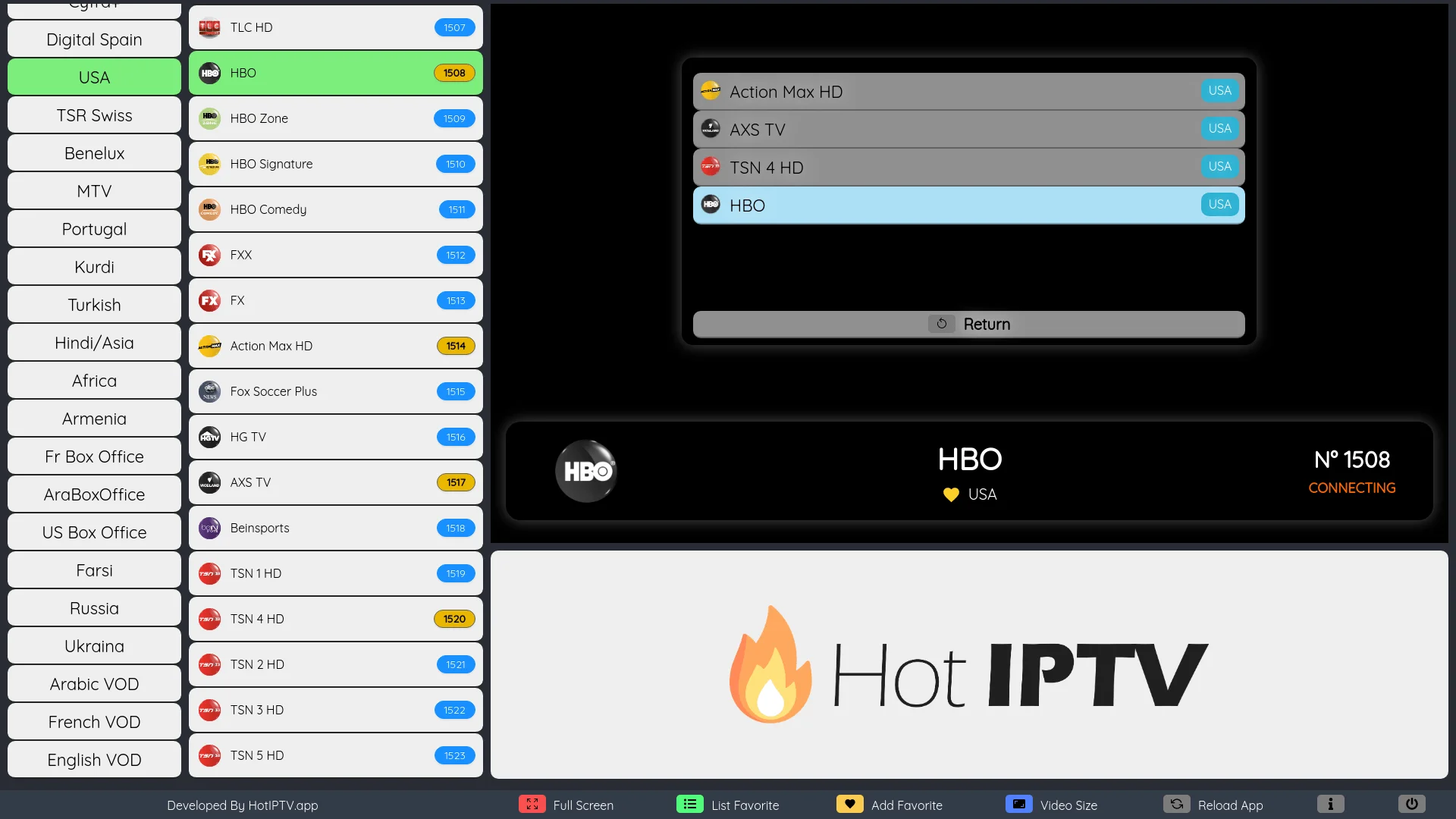
Hot Player is incredibly lightweight and perfect for older Smart TVs that struggle with heavy interfaces.
- Step 1: Search for "Hot IPTV" in your native TV App Store and install it.
- Step 2: Upon opening, a large MAC Address will be displayed on the screen.
- Step 3: Send that MAC address to our support team and we will remotely bind your subscription directly to the TV for you.
- Step 4: Restart your TV and enjoy.
Need Help Setting Up?
Every DublinCasts plan includes free 1-on-1 WhatsApp installation support. We will get you running on any device in under 5 minutes.
Get Started Now